CIS ViewerCIS Viewer
CIS Viewer displays a graphics image of roll scan CIS image files.
Current version 0.57, 13 August 2018. CISVIEWER.ZIP
Sample CIS file with lyrics: DEMO-CIS.ZIP (about 1 megabyte)
A wheel mouse is recommended as the easiest means of navigation. Failing that, a conventional mouse, notebook touchpad, or even just the keyboard will suffice.
Dragging the scrollbars provides a quick means of scrolling. Rotating the scroll wheel scrolls the screen up or down. Dragging the mouse with the scroll wheel depressed causes the screen to follow the mouse around. Using the keyboard, Cursor Left, Right, Up, Down; Page Up, Down; Home and End are all operational.
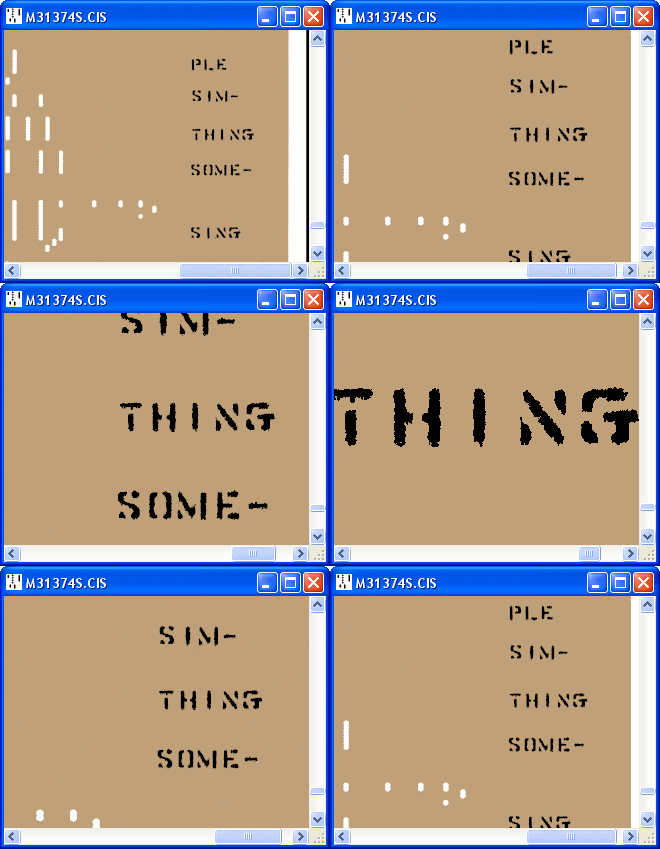 |
There are five levels of zoom reduction from 1:1 to 5:1. Depressing and rotating the scroll wheel zooms the image in and out. [+] and [-] on the numeric keypad also control zoom and these functions are duplicated on the F5 and F6 keys for the benefit of notebook users. |
The F1 key brings up a basic help screen including the version number.
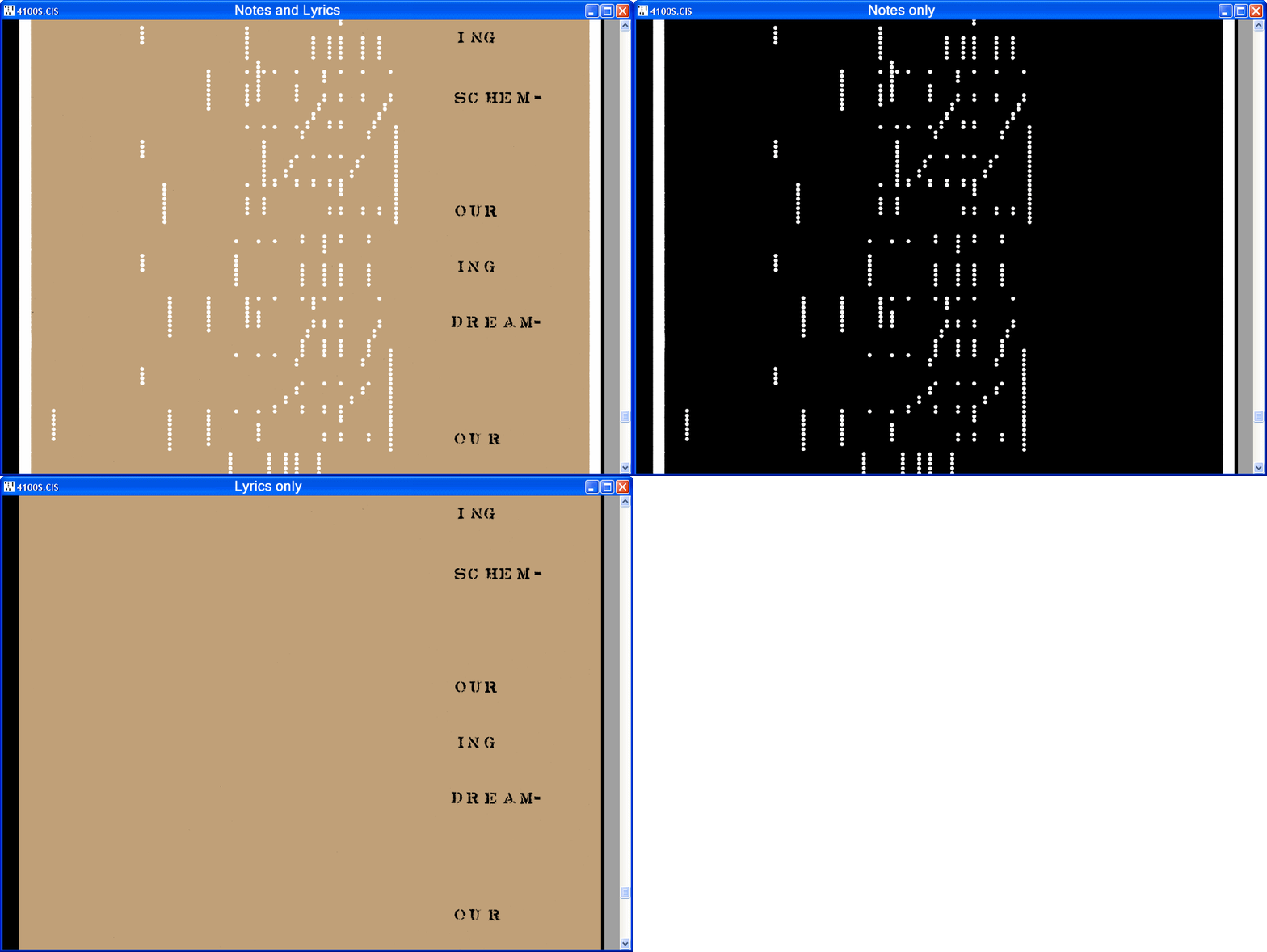
For Bi-Colour files, the F2 key sequences through three display modes: Notes and Lyrics, Notes only and Lyrics only.
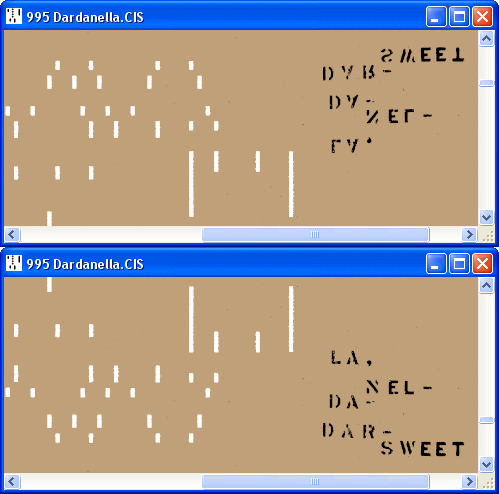
F3 flips the image alternately upside down and back again.
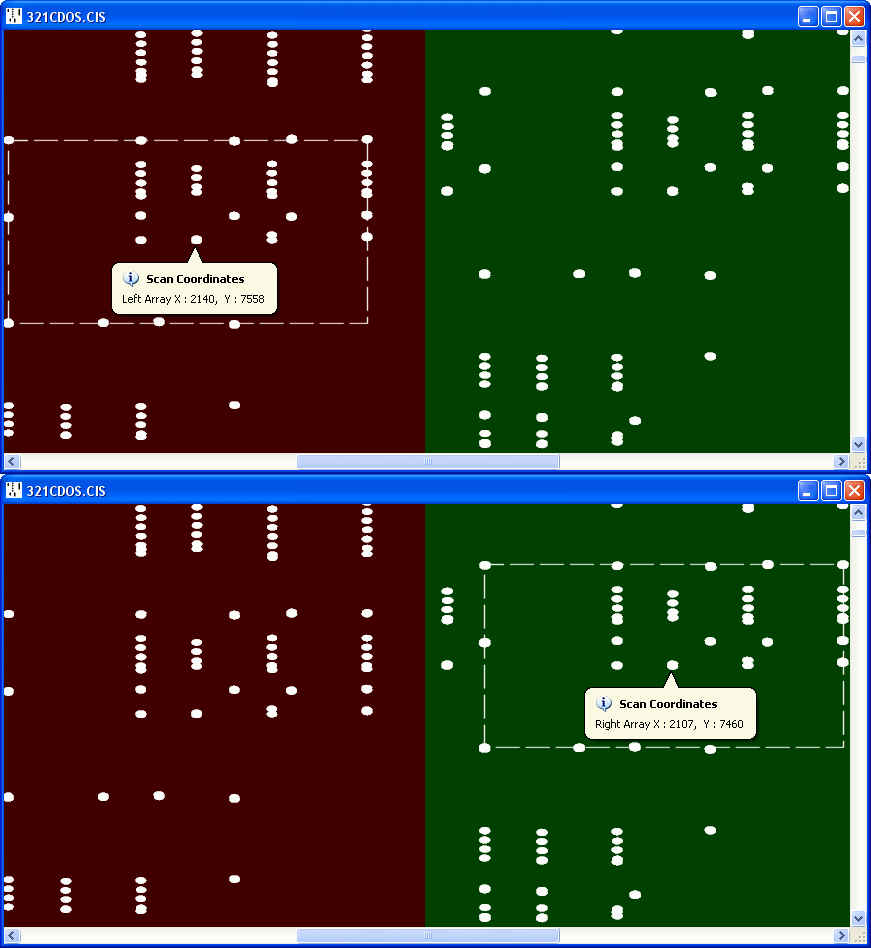
The left mouse button pops up a window displaying the scan coordinates at the mouse cursor position. The note zero offset can be read directly from the X coordinate of the sustain pedal track. For highest accuracy the viewer should be zoomed fully in.
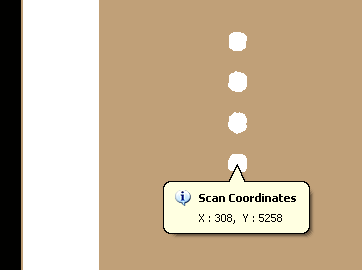
The crossover point and vertical separation for a twin array file can be determined from the two sets of coordinates of any hole falling within the overlap region.