 CIS TwinCIS Twin
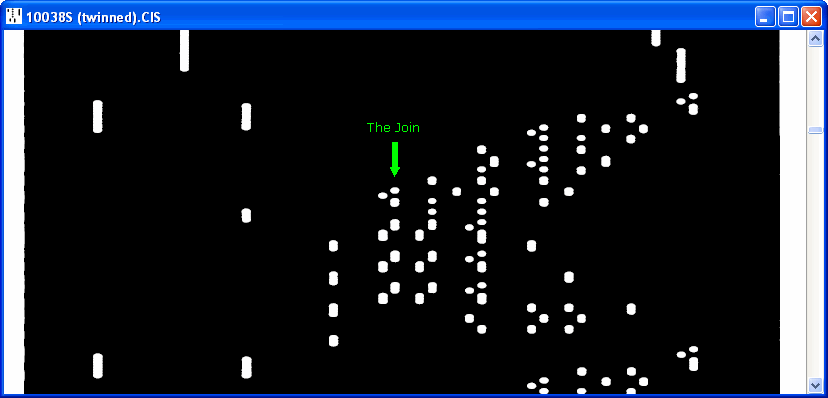
CIS-TWIN Stitches together the two images from a Twin Array file into a single image, with the ability to move the splice point about anywhere within the overlap region. Possible uses include finding the optimum Changeover and Vertical Separation settings for the CIS header and, by placing the splice down the middle of a track, observing the effects of roll weave on the registration between the two arrays.
Current version 1.00, 21 June 2006. CIS-TWIN.ZIP
CIS-TWIN works directly with Stepper scanner format Twin Array CIS files. Encoder clocked files should first be format converted with CIS-RECLOCK.
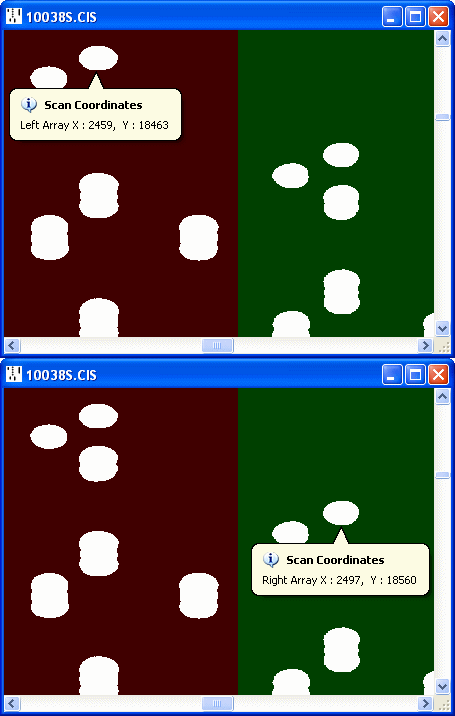
| X Coordinate | Y Coordinate | |
|---|---|---|
| Left Array | 2459 | 18463 |
| Right Array | 2497 | 18560 |
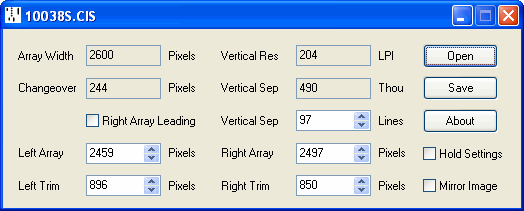
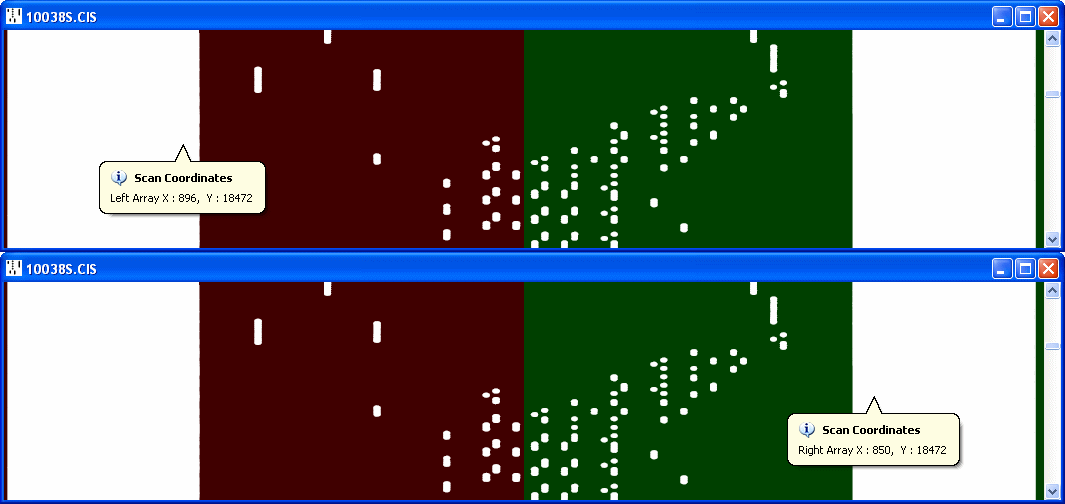
Determining Left Trim and Right Trim X coordinates
Final result
Having arrived experimentally at the settings producing the best registration, it's possible to derive from them the optimum Changeover and Vertical Separation settings for the CIS header.
Vertical Separation in defined in the CIS header in thousandths of an inch, as this holds true regardless of the vertical scan resolution. To calculate this figure, multiply the Vertical Separation in scan lines by 1000 and divide by the Vertical Resolution in Lines Per Inch. In the above example 97*1000/204=475 thou (always assuming that the vertical resolution is correct), which differs slightly from the figure of 490 stored in the header.
There appear to be two definitions of the Changeover in use; take your pick.
1. The classic definition equates the Changeover to the number of pixels from each array that contribute to the final image, with the resulting image width being twice the Changeover value. The overall width must inevitably be an even number, so the horizontal registration between the two arrays can only be adjusted in 2 pixel increments. Defined in this form, the Changeover will always be more than half the array width. To calculate the Changeover value, divide the sum of the Left Array and Right Array contributions found above by two to give an average. In the above example (2459+2497)/2=2478.
2. The alternative definition equates the Changeover to the Overlap between the two arrays, with the resulting image width being twice the Array Width minus the Overlap. This has the advantage of allowing the registration between the arrays to be adjusted in single pixel increments. Hopefully the Overlap will always be less than half the array width, allowing it to be distinguished from the classic definition. To calculate the Overlap value, multiply the Array Width by two and subtract the sum of the Left Array and Right Array contributions found above. In the above example 2600*2-(2459+2497)=244, which tallies with the setting already found in the header.